Getting Started
- Open the Download Center and download AnyDesk.
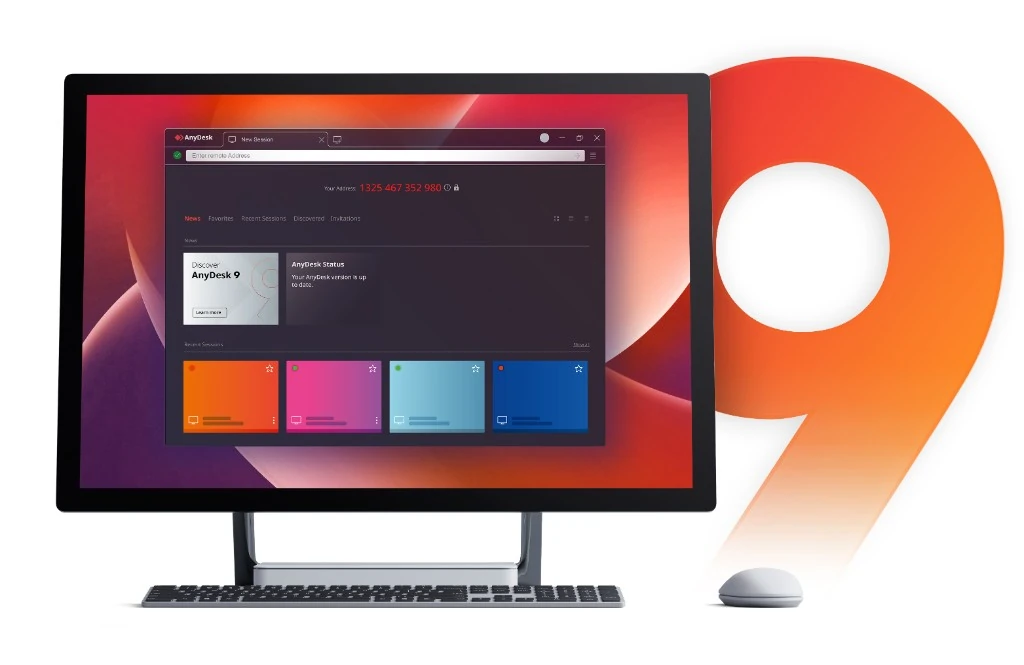
- Launch the AnyDesk app and record the assigned address.
- Request a session and wait for explicit accept, or use a strong unattended password.
Installation & Activation
Prefer a full install for unattended access remote maintenance. On macOS grant Screen Recording and Accessibility. Apply the license key in settings after purchase.
Remote Connection Troubleshooting
Confirm outbound HTTPS, firewall allow-lists, matching client versions, and a ready status before retrying.
Remote Desktop Issues
Switch hardware acceleration if the display is black. Verify audio transmit and playback flags on both ends.
FAQ
Is personal use free?
Yes. Commercial work needs a license. See Purchase.
Is the AnyDesk app encrypted?
Sessions use TLS 1.2 and RSA 2048.
Can files move securely?
Yes. File transfer stays inside the encrypted session.
News
- Windows security hardening in 8.x.
- macOS permission prompts clarified.
- Mobile session lock updates.
About & Legal
Privacy Policy: Review session and account handling.
Sitemap: Home | Download | Help Center
Contact Us: Reach the authorized distributor security desk.